REPL
REPL is a minimal application based on the JupyterLab code console.
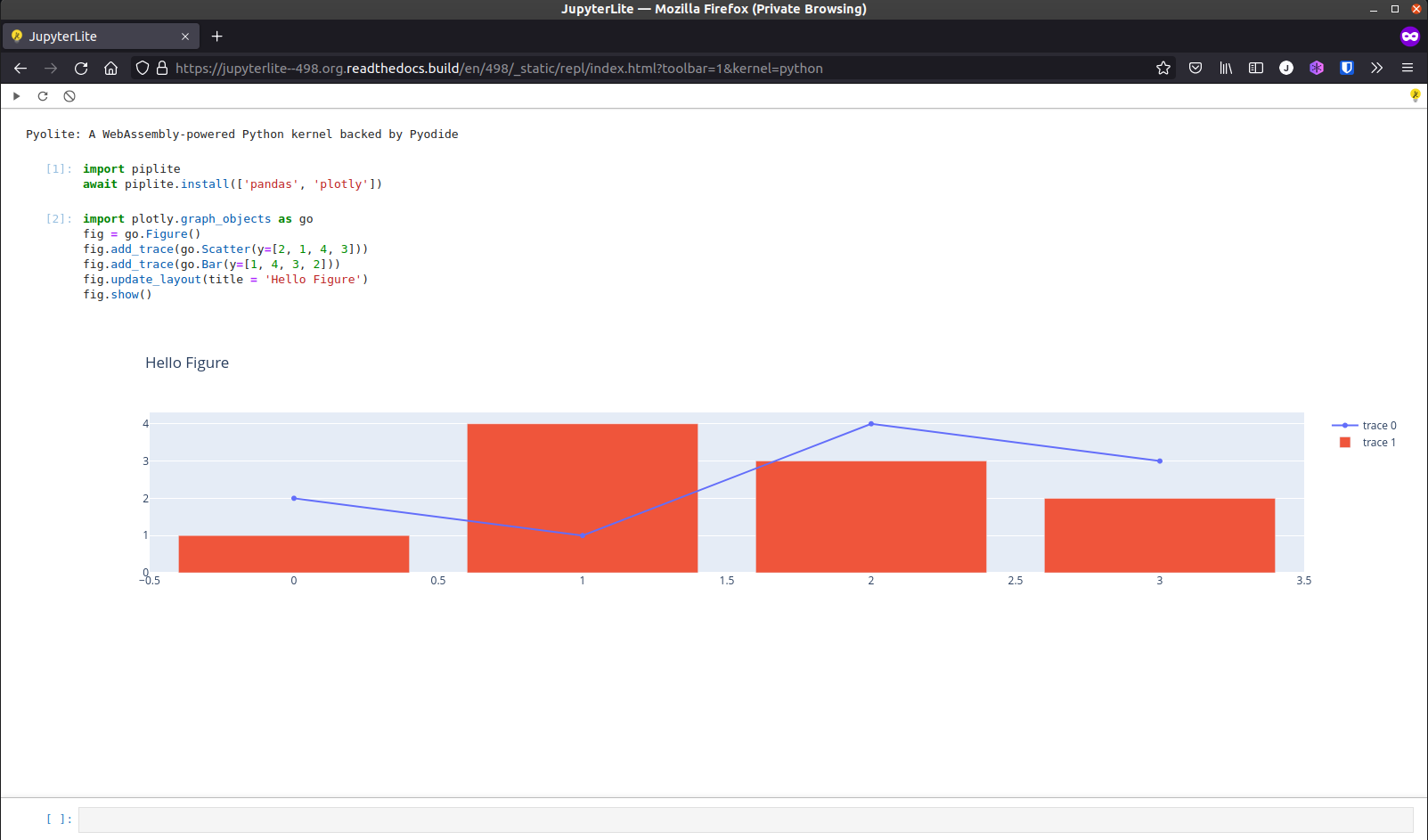
Embedding the REPL on another website
Hint
Check out the documentation to learn how to deploy your own JupyterLite website and have full control on the environment and extensions installed.
The snippets below use jupyterlite.github.io/demo as an example.
You can embed the REPL on any website with the following code snippet:
<iframe
  src="https://jupyterlite.github.io/demo/repl/index.html"
  width="100%"
  height="100%"
></iframe>
Configuration
The behavior and the look of the REPL can be configured via URL parameters.
Select a kernel by default
To avoid the kernel selection dialog and choose a given kernel by default:
<iframe
  src="https://jupyterlite.github.io/demo/repl/index.html?kernel=python"
  width="100%"
  height="100%"
></iframe>
Enable the toolbar
The toolbar can be enabled (opt-in) to add a couple of useful buttons:
<iframe
  src="https://jupyterlite.github.io/demo/repl/index.html?toolbar=1"
  width="100%"
  height="100%"
></iframe>
Auto execute code on startup
Custom code can automatically be executed on startup:
<iframe
  src="https://jupyterlite.github.io/demo/repl/index.html?kernel=python&code=import numpy as np"
  width="100%"
  height="100%"
></iframe>
Themes
It is also possible to select a theme, for example to use JupyterLab Dark:
<iframe
  src="https://jupyterlite.github.io/demo/repl/index.html?theme=JupyterLab Dark"
  width="100%"
  height="100%"
></iframe>
Additional themes can be installed with pip if they are distributed as a JupyterLab
prebuilt extension. For example:
pip install jupyterlab-gt-coar-theme
See configuring for more details on how to customize the environment and add more themes and extensions.